Simple, light, familiar
Layers on the left, tools at the bottom, properties on the right. If you use Figma, you'll find your way around right away.
Baipix is a pixel art editor with the interface of a modern design tool. Draw pixel by pixel, then drop clean vector straight into your design files.
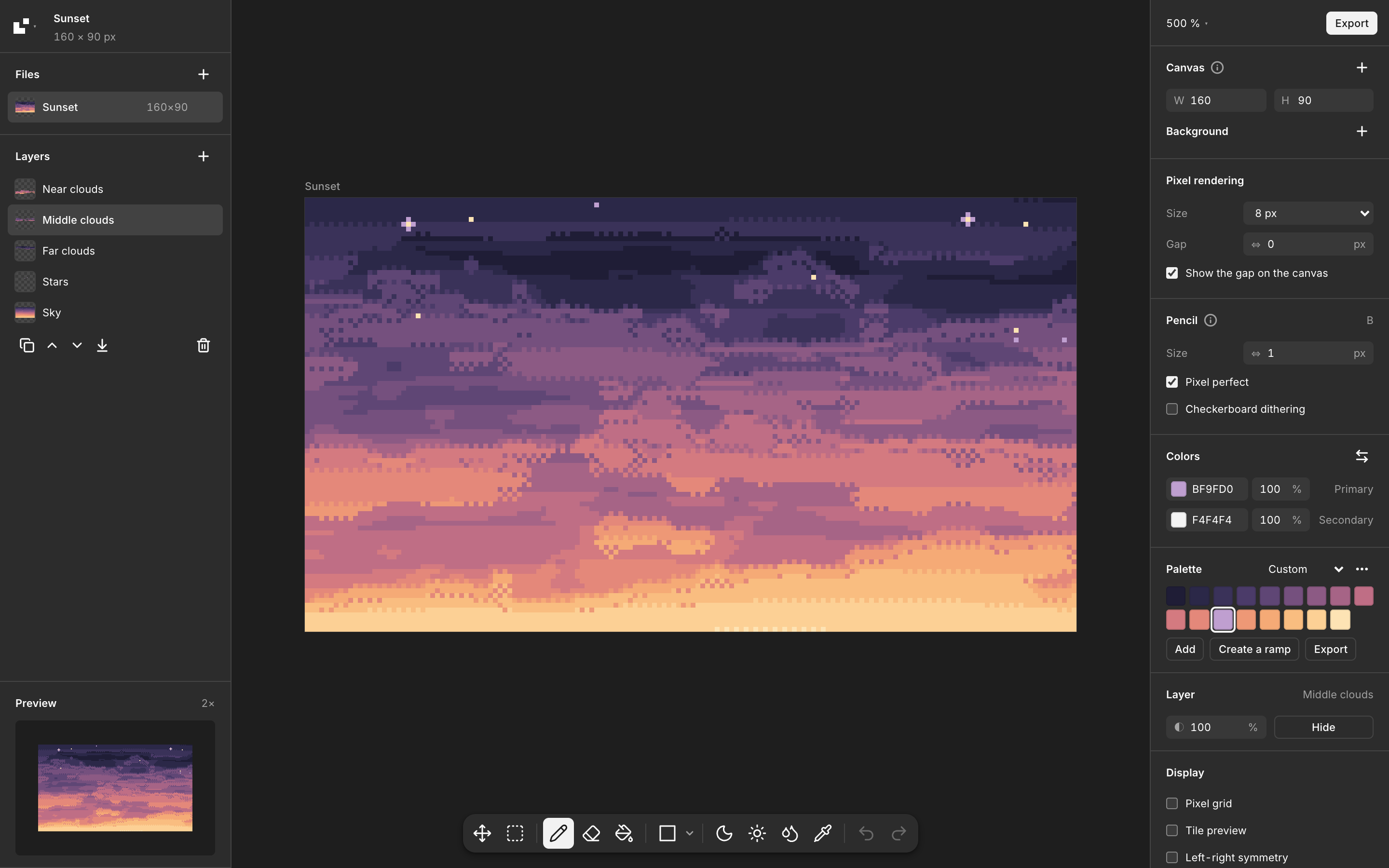
Nothing to install, no account. Your drawings stay on your device.
Open the editorClone the repository and start the dev server. Requires Node.js.
git clone https://github.com/baipix/baipix.git
cd baipix
npm install
npm run devLayers on the left, tools at the bottom, properties on the right. If you use Figma, you'll find your way around right away.
Every color becomes a single SVG path. Copy as SVG and paste it straight into Figma or Illustrator.
Space pixels apart for an LED or dot-matrix look, previewed live and exported as real vector.
Shade and lighten with the next palette color, adjust hue and saturation in one pass, paste any Lospec palette.
A pixel-perfect pencil, shapes from lines to stars, layers you can lock and reorder, mirror symmetry around any axis you drag, and tile preview.
No account, no upload. Your drawings are saved in your browser and never leave your device.
Every piece below is rendered with Baipix's own SVG export, right in this page.