Colors and palettes
Your two colors
In the Colors section of the right panel, two overlapping chips: the front one is what the tools draw with on a left click, the one behind on a right click.
- Click the front chip for its picker: a color field, a hex code and an opacity.
- Click the one behind to bring it to the front, or press X to swap them.
- Click a swatch of the palette to draw with it. Right-click it to use it as the secondary color, replace it with the primary color everywhere (every unlocked layer, on every frame), copy its hex code, or remove it from the palette.
The eyedropper
The eyedropper (I) picks the color under the pointer: left click for the front color, right click for the one behind. A loupe shows the pixels around it and the color’s hex code. With any drawing tool, hold Alt to pick a color without switching tools. On a phone or tablet, a long press on the canvas does the same.
The file’s palette
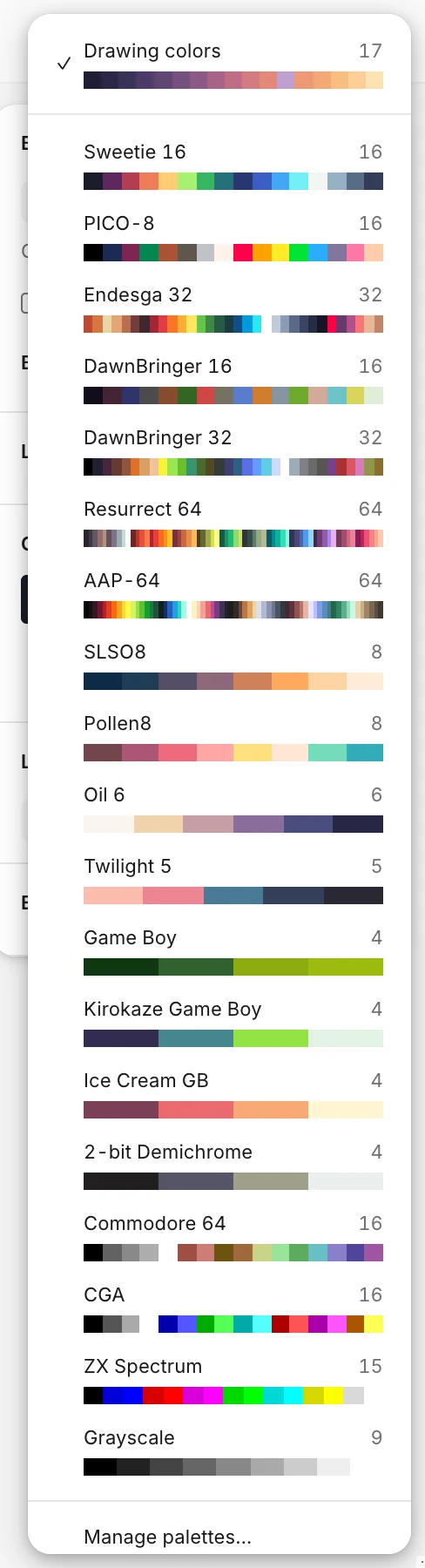
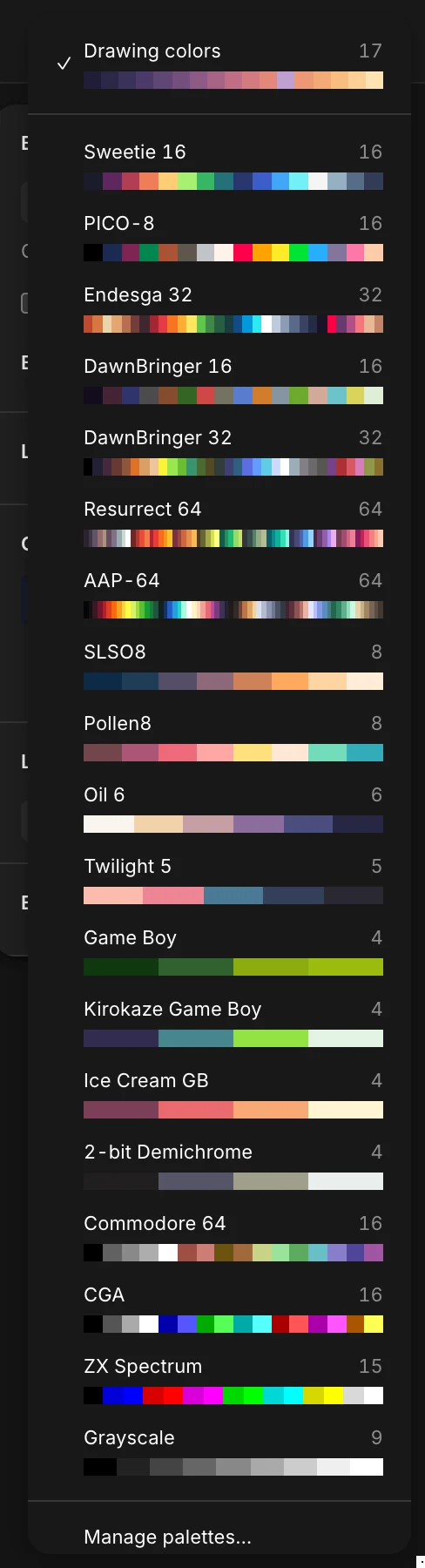
Each file keeps its own palette, saved with it. Pick one in the menu next to the Colors title:
- Drawing colors: the colors the drawing uses, on every frame, kept up to date as you draw.
- Presets: Sweetie 16 (a new file starts with it), PICO-8, Endesga 32 and 64, DawnBringer 16 and 32, Resurrect 64, AAP-64, Apollo, Lospec500, Vinik24, Bubblegum 16, Steam Lords, SLSO8, Pollen8, Oil 6, Twilight 5, four Game Boy palettes, Commodore 64, CGA, ZX Spectrum and Grayscale.
- My palettes: your own, there in every file. Make one from the file’s palette or from a palette file in Manage palettes….
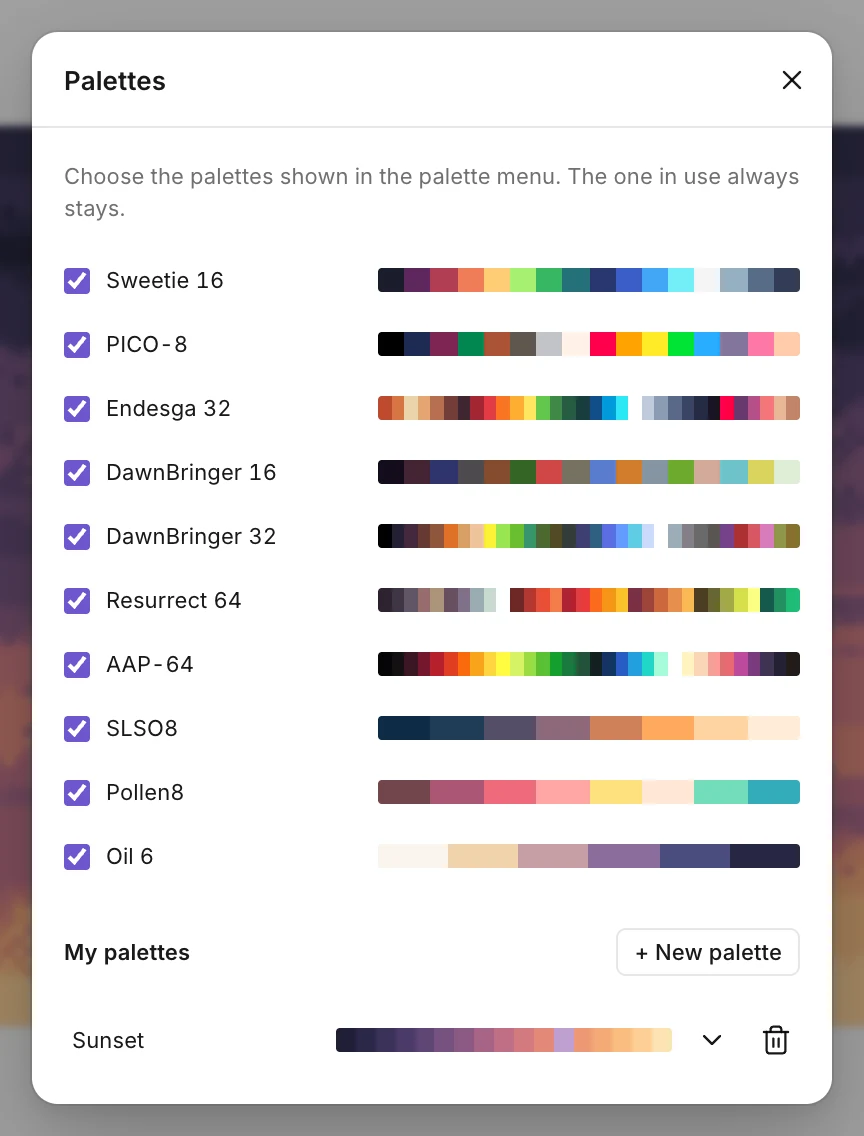
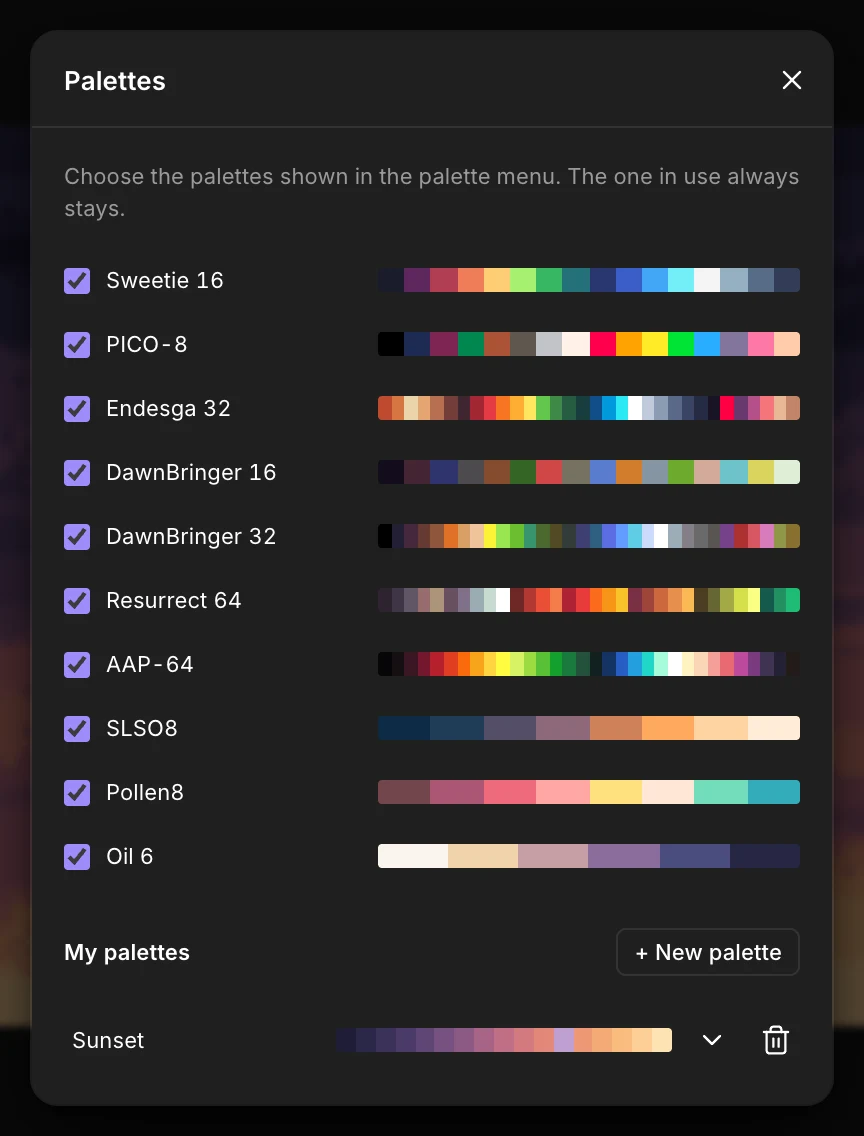
The + after the last swatch adds the current color to the palette. The palette’s … menu sorts it by lightness, builds it from the drawing (every frame of an animation), makes a shade ramp, pastes colors, and opens or exports .hex (Lospec) and .gpl (GIMP, Aseprite, Krita) files, or exports the palette as a PNG picture with one square per color. It also opens Paint.NET’s .txt palettes. To use any palette from Lospec, paste its colors or open its .hex or .txt file.
Undo works on the palette too.