Code
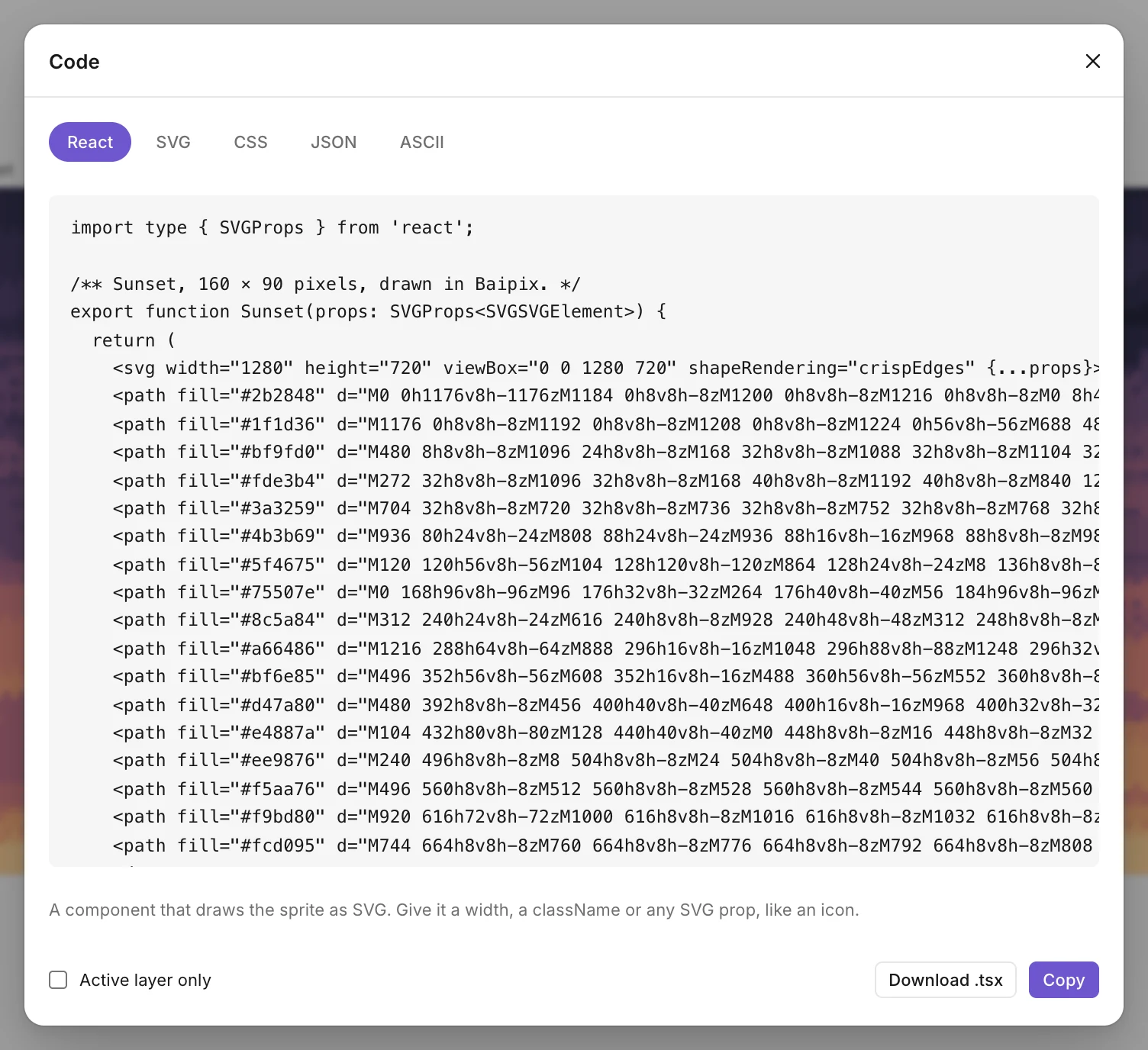
The </> button next to Export, or File › Code…, gives the drawing as code to read, copy or download. It follows the drawing’s pixel size and gap, and updates while the dialog is open.
Languages
- React: a component named after the board, drawing the sprite as SVG. Give it a width, a className or any SVG prop, like an icon.
- SVG: the same as Copy as SVG, layers kept.
- CSS: a class with the drawing as a background image, and its colors as custom properties (
--sunset-ink: #2b2848). Add the class to any element. - JSON: the name, the size, the colors with a name, and the pixels as rows of color numbers (0 is empty). For a game or a script.
- ASCII: the drawing in characters, its legend on top. For a README or a comment.
Colors get plain names from their hue and lightness: ink, paper, blue, light-orange, red-2 for a second red.
Options
- Active layer only: just the layer you’re on.
- Copy puts all of it on the clipboard. Download saves it as a .tsx, .svg, .css, .json or .txt file.
- The preview stops at 400 lines on a big drawing; Copy and Download always give everything.