Files and saving
Saved as you draw
There’s no Save button. Every change is saved a moment later, in your browser’s storage on your device. Close the tab, come back tomorrow: your files are on the files screen, and the last one opens where you left it. Baipix open in several tabs is fine: each saves what it changes, and a drawing made in one shows up in the others when you come back to them.
Nothing is uploaded. Your drawings never leave your device, and there’s no account to make.
Undo after a reload
Each board keeps its last 50 steps of undo and redo along with the drawing. Reload the page, and Ctrl+Z still goes back.
Keep a copy
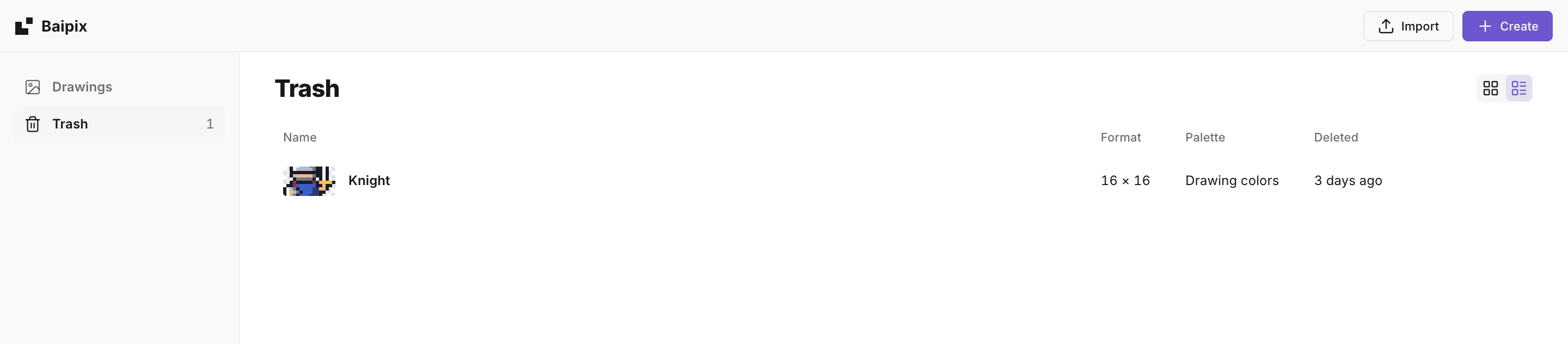
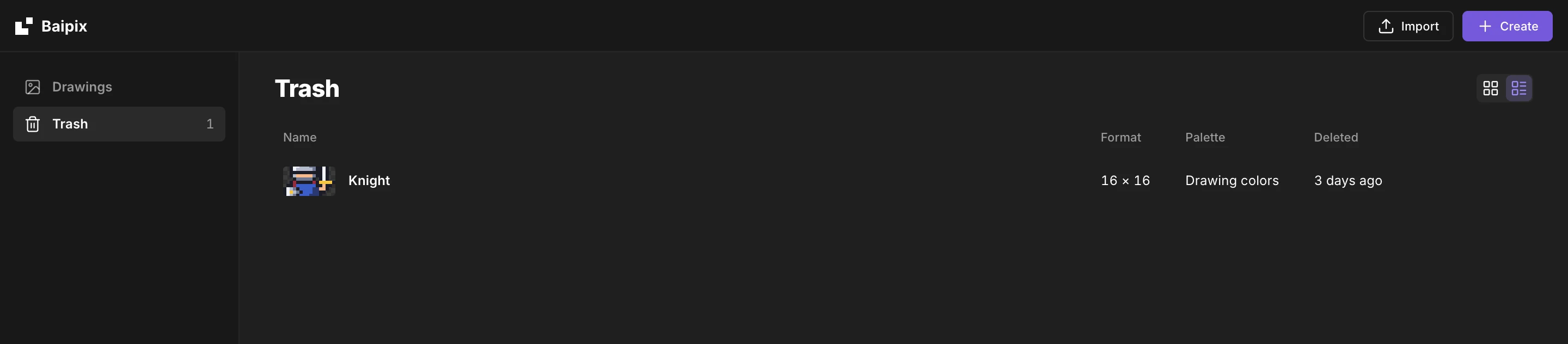
On the files screen, a drawing goes to the Trash from its … menu, or by dragging its card onto Trash in the sidebar. Deleted one by mistake? It waits there for as long as you like: Restore brings it back as it was, and its … menu deletes it for good.
After your first drawing, Baipix asks the browser to keep its storage, so it isn’t cleared on its own when the disk runs low or, in Safari, after a week without a visit; Firefox asks you once. Your browser’s storage is safe from one day to the next, but it isn’t a backup: it goes away if you clear the site’s data, and a private window forgets everything once it’s closed. To keep a drawing for good, or to move it to another computer:
- File › Download as .baipix saves the whole file: its boards, layers, groups, frames, components and palette.
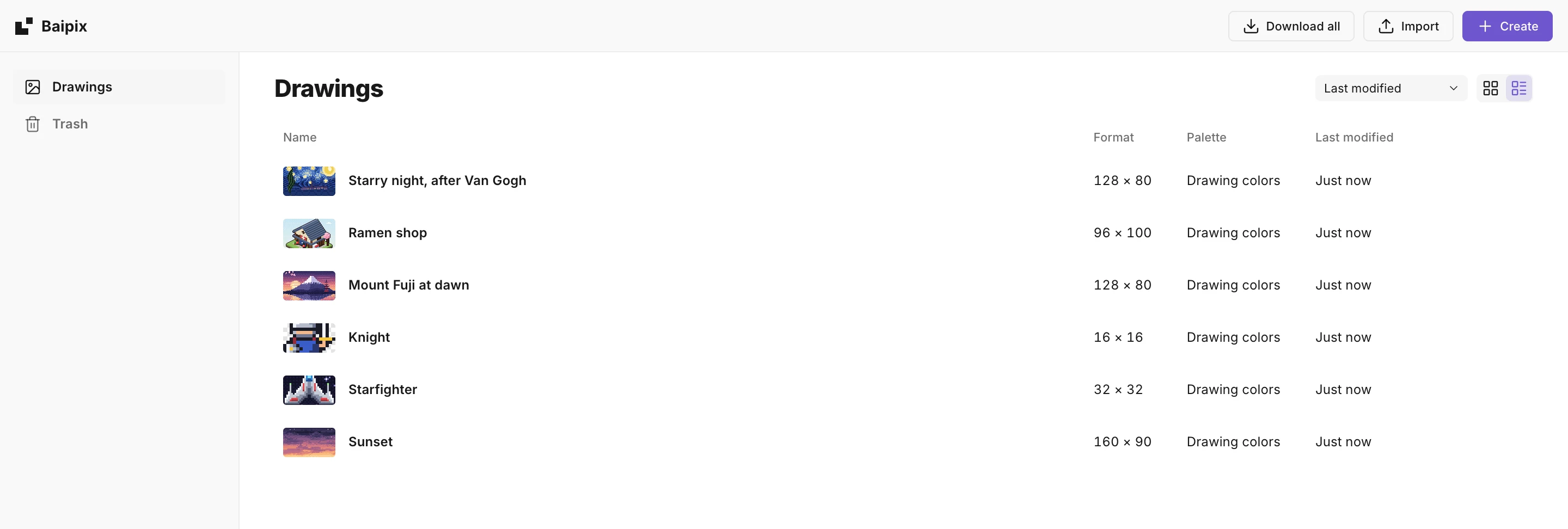
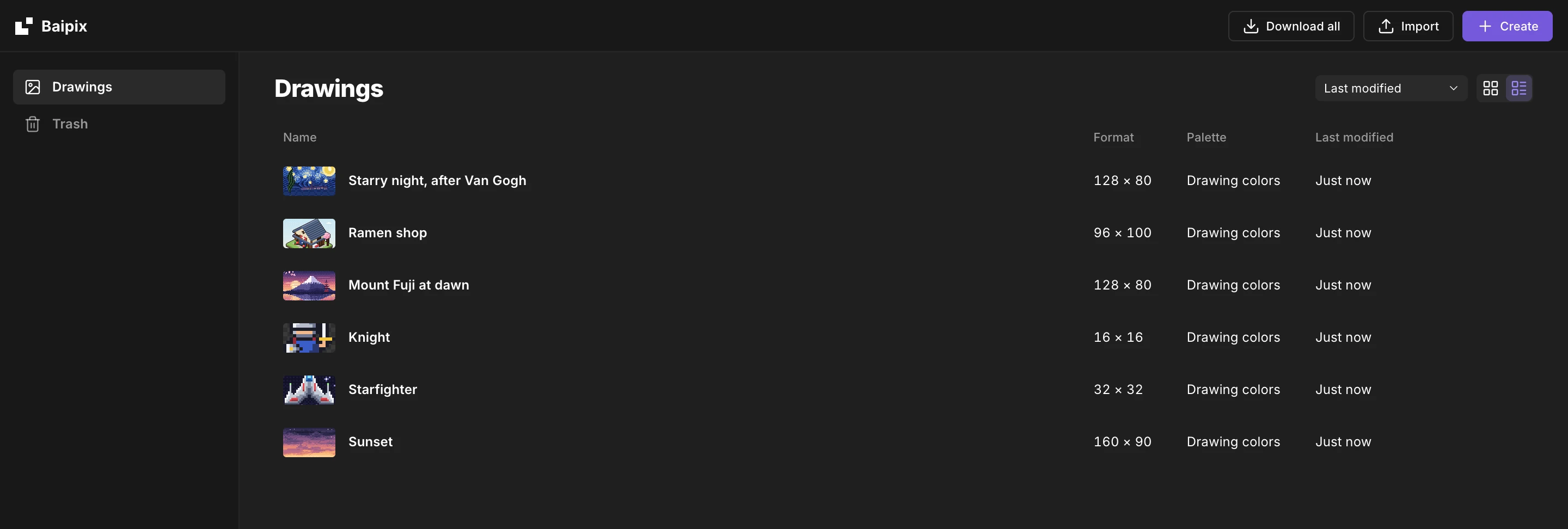
- Download all, at the top of the home screen, saves every drawing at once: one .baipix file each, in a .zip.
- File › Open a .baipix file… opens it again, anywhere.
To use the drawing elsewhere, export it instead: see Export, or the code button next to it.
Manage your files
On the files screen, or in the File menu:
- Rename file (F2), Duplicate file, Delete file. A deleted file goes to the Trash, and comes back with Undo in the message that follows.
- On the files screen, a double click on a drawing’s name, or Rename in its … menu, lets you type a new one in place. Enter keeps it, Esc gives the old one back.
- File › Recent switches between your last files.
- A new file you never drew in goes away when you open another one, so tries don’t pile up.
Page views
baipix.app counts page views without cookies, with Cloudflare Web Analytics. Nothing about your drawings or what you do in the editor is sent. To not be counted at all, open any page once with ?notrack at the end of its address, for example baipix.app/?notrack. Open one with ?track to be counted again.
Run it on your own computer
Baipix is open source. Clone the repository and run npm install, then npm run dev: you get the same editor, and a local copy sends nothing at all.