Shapes
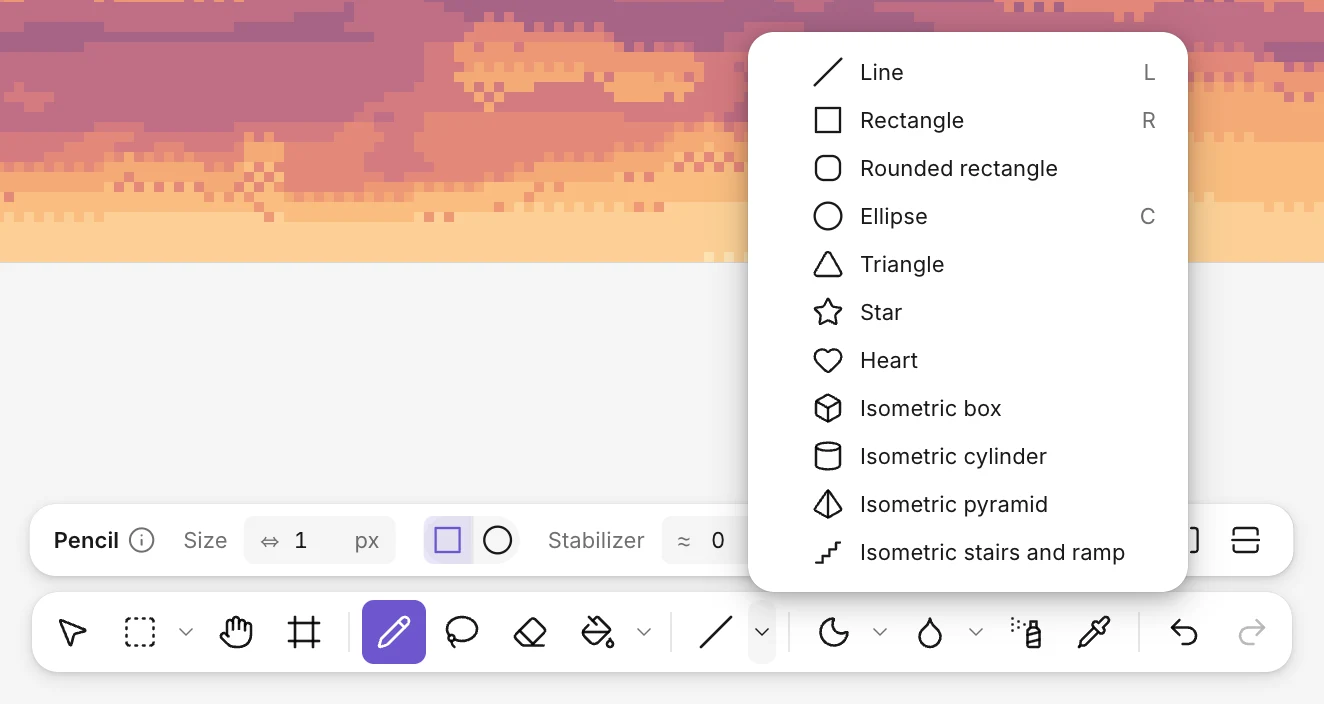
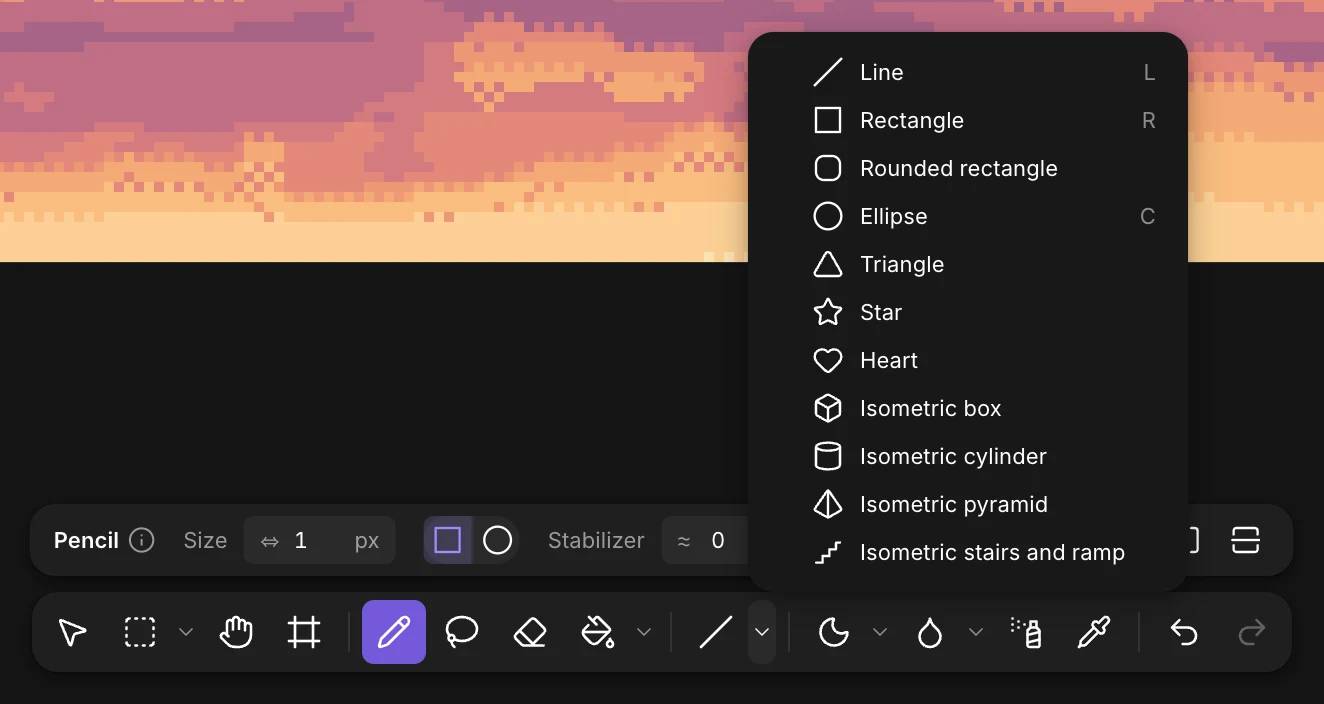
The shapes share a button in the toolbar: the arrow next to it opens the others. Line (L), rectangle (R) and ellipse (C) have their own key.
Drag from one corner to the other. Every shape is drawn on whole pixels, symmetric when it should be, with clean steps on its curves.
- Shift makes it regular: a square, a circle, an even triangle or star. For a line, it locks the angle to 0°, 45°, 90°, or 2:1 for isometric lines.
- Filled in the options fills the shape instead of drawing its outline.
- The rounded rectangle has a radius in its options.
- The outline follows the pencil’s size.
The isometric box, cylinder, pyramid, stairs and ramp are in the same menu: see the Isometric pixel art guide.